
JRS Tracking App Features & Download
The JRS Tracking App is a free, official Android tool designed to streamline your shipping experience. It serves as a centralized hub for JRS tracking, allowing you to monitor parcels in real-time, calculate shipping rates, locate nearby branches via GPS, and schedule home pickups without manual web searches.
Note: You can also use JRS online tracker which work without downloading the App.
While the app is a convenient, lightweight companion for frequent shippers, it remains an older interface. For the most reliable and up-to-date information, you can use the app for quick status checks or visit the official JRS website in your browser. Always ensure you have your 10-digit tracking number (including the hyphen) ready to get the most accurate updates on your package’s journey.
JRS Express Mobile App
The official JRS Express Mobile App is a dedicated Android application developed by JRS Express. It serves as a portable version of the JRS website, bringing essential shipping tools directly to your smartphone. It is categorized under Business tools and is currently available as version 1.1.
The primary goal of this app is to provide a “quick and easy way to access JRS Website Tools on the go.” Instead of opening a mobile browser and searching for the website every time, you can simply tap the app icon to start tracking or booking.
| Feature | Detail |
| Developer | JRS Express |
| Platform | Android (Google Play Store) |
| Package Name | com.jrs.express |
| File Size | Approximately 7.7 MB |
| Cost | Free to download and use |
| Core Functions | Tracking, Rates, Pickup, Branch Locator |
JRS Express Tracking App Features
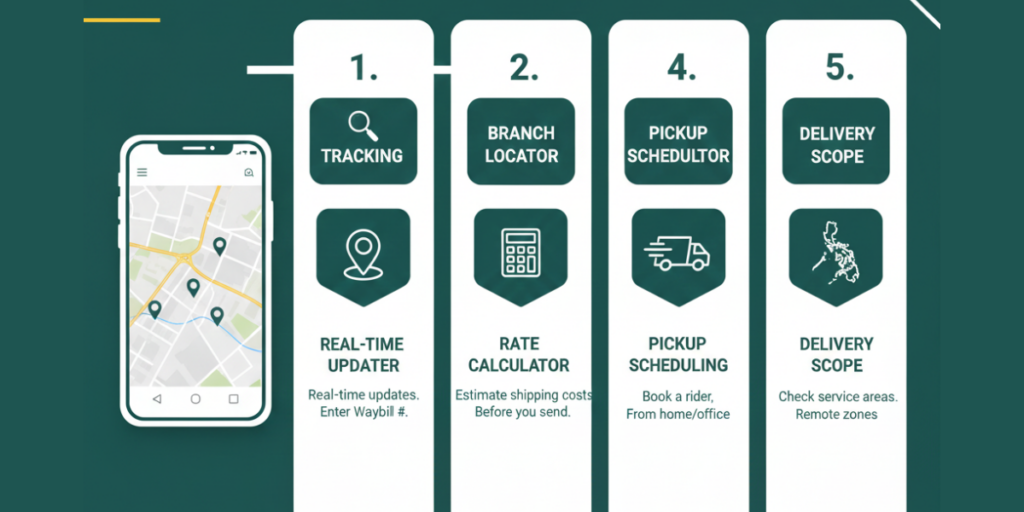
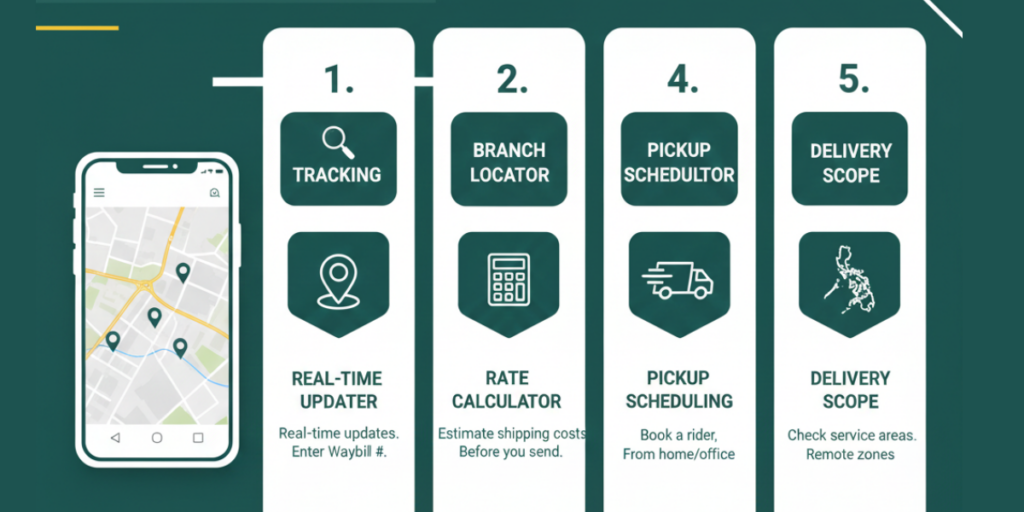
JRS Express bundles several important modules into a single, user-friendly interface. Here are the core features you will find inside:
Shipment Tracking
The Tracking module is the most popular feature of the app. It allows you to enter your JRS tracking number to see exactly where your package is in real-time. This mirrors the “Track and Trace” function found on the official website but is optimized for mobile screens.
Branch Locator
Need to drop off a parcel? The Branch Locator uses your phone’s GPS and map features to identify JRS branches near your current location. You can search by city or keyword to find branch details, contact info, and exact map positions. This is incredibly helpful if you are in an unfamiliar area.
Rates (Shipping Price Calculator)
Before you head to a branch, you can use the Rates tool to estimate your shipping costs. By entering the shipment type and destination, the app calculates an approximate price. This helps you budget for your shipping expenses ahead of time.
Pickup Scheduling
For those who prefer not to leave their home or office, the Pickup feature is a lifesaver. You can request a JRS rider to come to your address to collect your parcel. Simply fill out your contact details and shipment info within the app to arrange a collection.
Scope of Delivery
Not sure if JRS delivers to a remote area? The Scope of Delivery section outlines the service network covered by JRS Express. Checking this first ensures that your destination is within their reachable zones before you finalize your booking.
Download the Official JRS Express App
Downloading the app is a straightforward process for Android users. Because the file size is small (under 8 MB), it installs quickly even on basic internet connections.
Important Instruction: Always verify that the developer is listed as “JRS Express” to ensure you are downloading the official, secure version of the app.
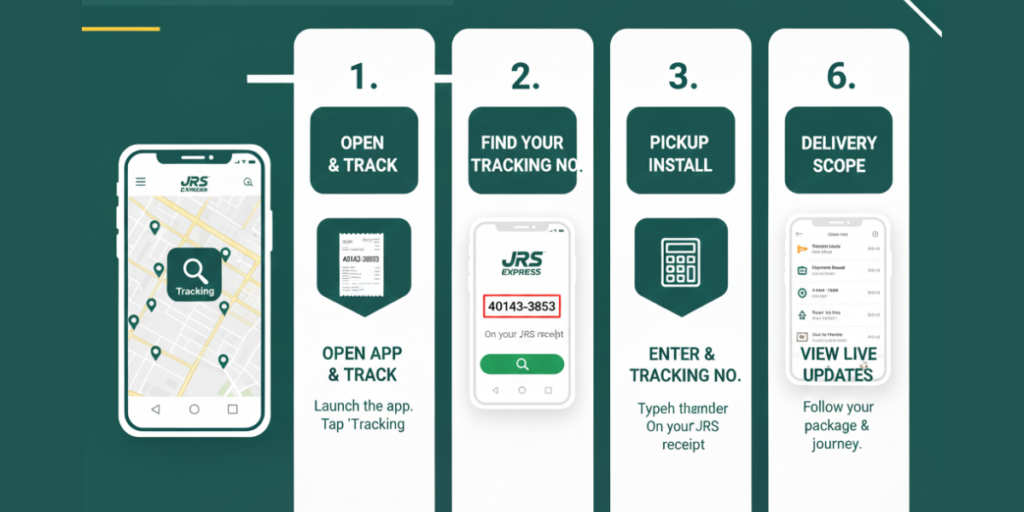
Track a Shipment Using the App
Tracking your “padala” is the most common task users perform. Follow these steps to get an instant update on your package status.
Method: Tracking via Mobile App
What if Tracking Shows “No Info”
If you enter your number and see “no tracking info yet,” do not panic. This is a common occurrence for new shipments.
Additional App Features
The JRS app is more than just a tracker. Here is how to navigate the other helpful tools included in the download.
Using the Branch Locator
Using the Rates Calculator
Scheduling a Pickup
FAQs
Conclusion
The JRS Express Tracking App is an essential tool for anyone relying on JRS for their logistics needs in the Philippines. By centralizing tracking, rate calculation, and branch discovery into one mobile interface, JRS Express has made it easier than ever to manage your deliveries on the go.